ubuntu 20.04 touchscreen doesn't work on Lenovo ideapad flex 5
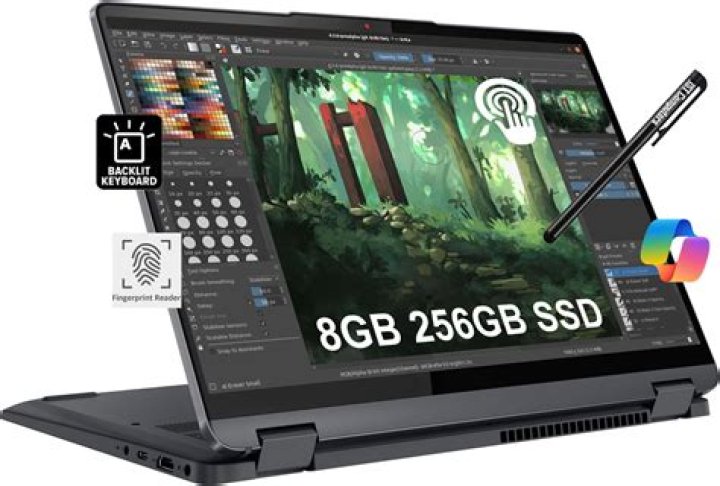
I recently bought a Lenovo Flex 5 laptop, which has a touchscreen. I installed Ubuntu 20.04, and now I have it dual-booting Windows 10 (OEM) and Ubuntu 20.04 LTS. On Windows the touchscreen works fine. On Ubuntu, everything else seems to work fine, however touchscreen does not work. My graphic card is NVIDIA GeForce MX330. I am not sure if this relate to touchscreen or not.
I tried to to rebuild the kernel version 5.6.9, follow this page: , but failed when try to reboot from ubuntu 5.6.9.
1 Answer
Make sure that you're using a desktop environment that supports touch.
a) Unity Desktop, latest KDE and Gnome are the best candidates to try.
b) Please check your settings to see if Linux has detected the touch capability.
c) Please also check if the setting to enable/use touch is turned on or off?
If you suspect that the drivers are missing you can try to install the HWE kernel for Ubuntu 20.04 which contains drivers for new hardware. (Warning - this may break your installation, proceed at your own risk!)
Open a terminal and run the following command.
sudo apt install linux-generic-hwe-20.04Reboot your system after the installation is done.
You can try the edge version, a bit riskier than than the other above.
sudo apt install linux-generic-hwe-20.04-edgeContact Lenovo and ask for a Linux driver. I've found Windows drivers on the Lenovo website, but no Linux driver :(
Wait, the drivers may arrive with a future kernel/linux-firmware.
You may also check if the touch input device is visible to the system using xinput in terminal. Should give you something like the following including the word touch.
~$ xinput
⎡ Virtual core pointer id=2 [master pointer (3)]
⎜ ↳ Virtual core XTEST pointer id=4 [slave pointer (2)]
⎜ ↳ VirtualBox mouse integration id=9 [slave pointer (2)]
⎜ ↳ VirtualBox USB Tablet id=10 [slave pointer (2)]
⎜ ↳ ImExPS/2 Generic Explorer Mouse id=12 [slave pointer (2)]
lshw and lsmod should also see itlshw |grep -i touchlsmod |grep -i touch
you should get someting like this
hid_multitouch 20480 0 You can also look for UNCLAIMED devices with no driver/module loaded.
lshw |grep -i unclaimed
If you find something promising you can pipe the output to less for further inspection.
lshw |less
Sidenote: the Ubutu LTS Enablement Stack mentions the apt package xserver-xorg-hwe-20.04. I couldn't find this package using apt. It could be a typo on the wiki page or this package may be available later if needed.


