Duplicate color printer as black and white printer
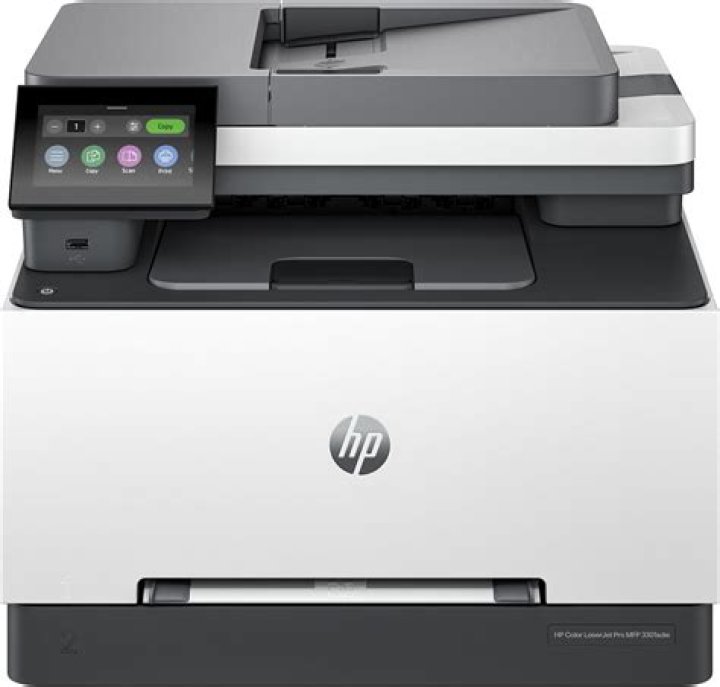
Using KDE (Kubuntu) it was very easy to get my new network printer running (it just appeared).
But as that printer is a color printer and I want to print only black and white most of the time (to save the costs for the quite expensive color toners) I want to duplicate that entry with different settings (force greyscale) and make that the default printer.
=> Then I could easily switch to a color print when I want to, but won't forget to usually print B/W.
But how can I do that?
The system settings don't allow to copy a printer.
Should I just copy the relevant file in /etc/cups/ppd/?
Edit 12.01.2020:
Digging deeper it seems my problem is that I want to duplicate an "IPP Everywhere" printer. It shows up very easy and prints fine. But I see currently no way to duplicate it's entry as then the selection of the PPD will cause me to go a different route. Even choosing the "Generic/IPP Everywhere" will result in a file at /etc/cups/ppd that does not have an entry of PCFileName: "ippeve.ppd" but one of PCFileName: "pwgrast.ppd" instead.
So far I have found no way to make a perfect duplication of the automatically generated entry.
2 Answers
You should be able to install the printer a second time, with the settings that you want. I have the same printer installed twice, each with a different name, one set as duplex, one set as single spaced. It makes it easier than to have to go into the preferences each time.
I don't have Kubuntu. This answer is for Ubuntu (Gnome)
Go to the printer setup page
In Ubuntu it is under Settings > Devices > Printers
As you can see I already have a printer installed. We are going to install the same physical printer again and set it up for black and white printing. To do that, click on the green Add... button on top right corner. It should automatically find the existing printer (keep the printer on).
Select the existing printer and click on the green Add... button on top right corner. Now you should have "two" printers installed. We will change the location to indicate which one is black and white.
Click on the settings cog next to the newly added printer and select printer details.
Now you can change the Printer name or the location to what you want.
Now go back to printer settings cog and select printing options:
And change from Color to Grayscale.
Now you have two printers one color and one black and white.
Hope this helps
2

